




Description
Download 2018 Michigan Elections – Michigan Elections, News, Voting, Politics, Government
Overview
2018 Michigan Elections is a desktop application developed by Gongwer News Service, designed to provide users with comprehensive coverage of the 2018 Michigan election cycle. The software falls under the category of magazines and newspapers, serving as a digital resource for political information, candidate profiles, ballot initiatives, and election results. It is intended for individuals interested in staying informed about state-level political developments, including local elections, legislative races, and voter initiatives. The application is available for free and supports both Windows and Mac operating systems, making it accessible to a broad audience of consumers, civic activists, educators, and political analysts.
Designed for users seeking timely and accurate election data, the software aims to simplify access to complex political information. It enables users to explore detailed profiles of candidates, track the status of proposed ballot measures, and monitor real-time results during election periods. The app was first published on Softonic on March 21, 2018, and has since served as a tool for public engagement with democratic processes. While the developer did not provide additional context about its development timeline or editorial process, the software remains relevant for those researching or following Michigan’s 2018 election landscape.
Key Features & Capabilities
- Election Information Hub – Centralized access to candidate profiles, party affiliations, and political platforms for all major races in Michigan during 2018.
- Ballot Initiative Tracking – Detailed summaries and background on proposed state-wide ballot measures, including voter impact and expert analysis.
- Real-Time Results Updates – Live election night updates for Michigan’s 2018 races, enabling users to follow outcomes as they are reported.
- Offline Access – Content can be accessed without an internet connection after initial download, ideal for users in low-connectivity areas.
- Searchable Database – Users can quickly locate candidates, districts, or initiatives using keyword search functionality.
These features support users in making informed decisions during election periods. For example, voters can compare candidates’ positions on key issues, educators can use the tool for classroom discussions on democracy, and journalists can reference the data for reporting. The software’s design emphasizes clarity and accessibility, aligning with its role as a public service tool. The application is available in English only, ensuring consistent content delivery across its user base.
User Interface, Workflow & Performance
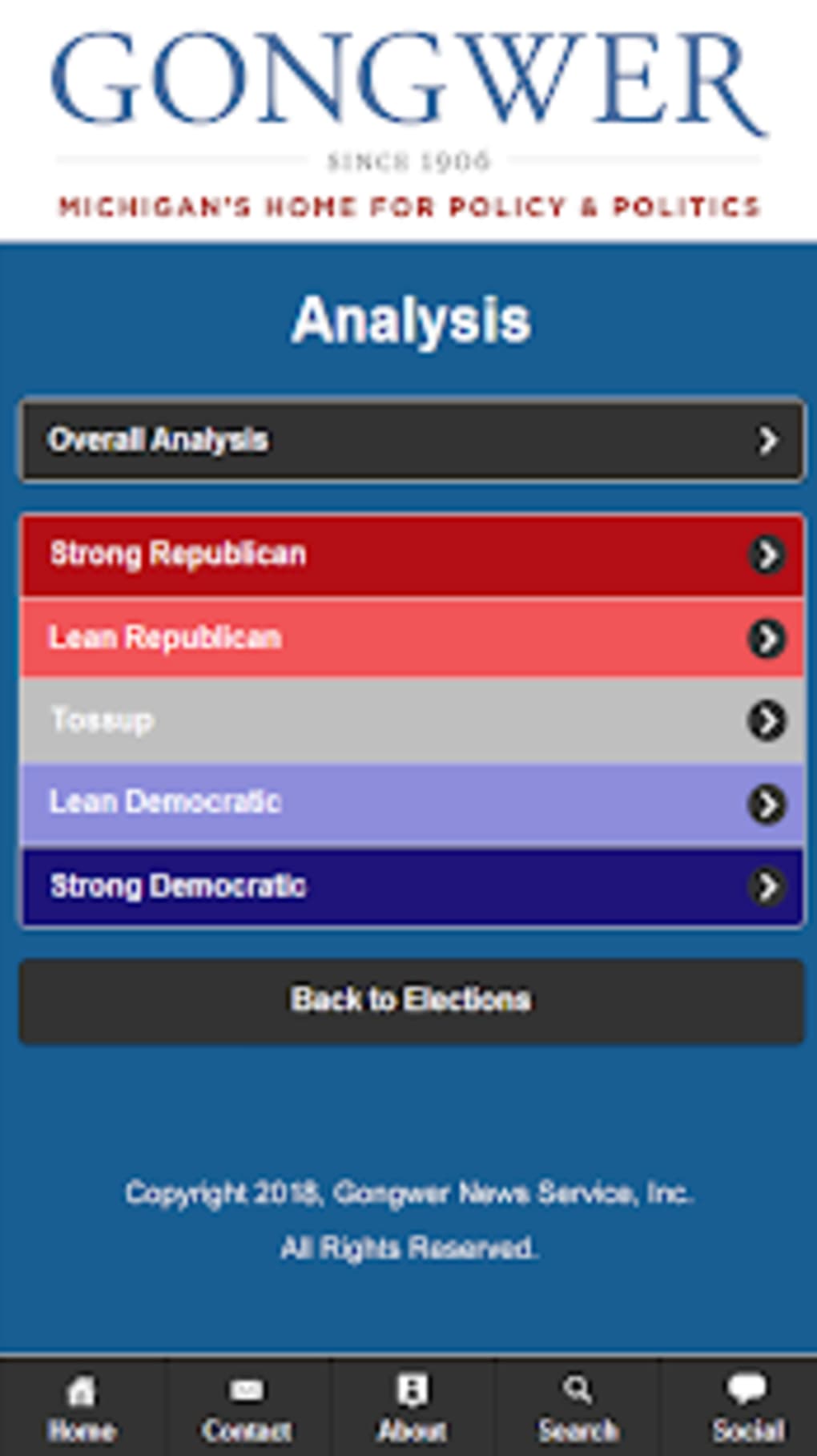
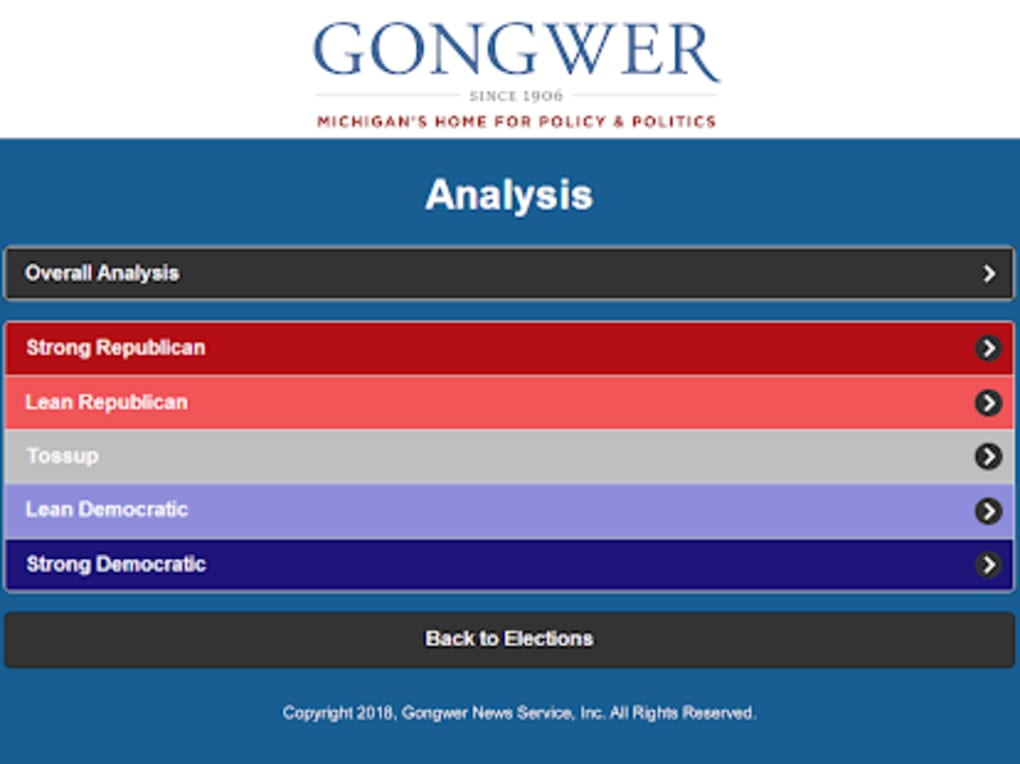
The user interface of 2018 Michigan Elections is structured to prioritize readability and ease of navigation. The layout follows a clean, information-dense format typical of digital news platforms, with categorized sections for candidates, initiatives, and results. Users can access content through a main menu or via a search bar, allowing for efficient workflow depending on their needs. The application does not require advanced technical knowledge, making it suitable for general users as well as those with limited experience in political data tools.
Workflow efficiency is supported by intuitive tabbing between sections and quick access to frequently updated content. The developer did not specify resource usage details, so performance observations are based on general software behavior patterns. The application is expected to run smoothly on modern desktop systems, given its relatively small download size of 17.3 MB. Stability and CPU/RAM behavior were not tested or reported, but the software is designed for periodic use rather than continuous operation. No reports of crashes or bugs were found in the available documentation.
Compatibility & System Requirements
2018 Michigan Elections is compatible with both Windows and Mac operating systems, providing broad accessibility across desktop environments. The software requires Android 9.0 or above for its mobile version, but the desktop version’s system requirements were not specified. The installation size is listed as 17.3 MB, indicating a lightweight footprint that should not strain most modern systems. The developer did not provide additional details about hardware specifications such as RAM, processor speed, or disk space requirements.
Exact system requirements were not listed, and compatibility information was partially provided. Users are advised to ensure their system meets standard desktop software requirements for running applications of similar size and category. The software is available for free, which enhances its accessibility. As the application is not actively updated, users should consider its age and potential limitations in supporting newer operating system versions.
Pros and Cons
Pros
- Free to download and use
- Available for both Windows and Mac
- Comprehensive coverage of 2018 Michigan election data
- Offline access to content after download
- Intuitive interface for easy navigation
Cons
- No recent updates since 2018
- Not compatible with operating systems newer than those supported by its original release
- Content is specific to the 2018 election cycle
- Only available in English
- Resource usage details not provided
FAQ Section
Is 2018 Michigan Elections available for free?
Yes, the software is available for free download and use.
What operating systems does 2018 Michigan Elections support?
The desktop version is compatible with Windows and Mac. The mobile version requires Android 9.0 or above.
Can I use the software offline?
Yes, once the content is downloaded, it can be accessed without an internet connection.
Is the software regularly updated?
There is no indication of recent updates. The software was published in 2018 and has not been updated since.
Is the software secure to download?
The software is distributed through Softonic, a trusted platform for software downloads. It is recommended to download from official sources to ensure security.
Final Thoughts
2018 Michigan Elections remains a valuable resource for individuals seeking detailed, structured information about the 2018 election cycle in Michigan. While the software is outdated and no longer updated, its core content—candidate profiles, ballot initiatives, and results—remains relevant for historical research, educational purposes, and civic engagement. The free availability, cross-platform support, and offline functionality make it a practical tool for users who need access to reliable election data without internet dependency.
However, due to its age and lack of updates, it may not function optimally on newer operating systems or support current election processes. Users should assess compatibility with their current devices before installation. For those focused on the 2018 elections specifically, this software offers a reliable and accessible way to explore Michigan’s political landscape.
Download 2018 Michigan Elections now
Guides & Tutorials for 2018 Michigan Elections
How to install 2018 Michigan Elections
- Click the Preview / Download button above.
- Once redirected, accept the terms and click Install.
- Wait for the 2018 Michigan Elections download to finish on your device.
How to use 2018 Michigan Elections
This software is primarily used for its core features described above. Open the app after installation to explore its capabilities.
User Reviews for 2018 Michigan Elections 0
No reviews found





